Santa's Gift Tracking Service Port Mystery

Objective
| Difficulty | Description |
|---|---|
| 1/5 | Chat with Yori near the apartment building about Santa’s mysterious gift tracker and unravel the holiday mystery. |
Yori Kvitchko mission statement
Hi! I’m Yori.
I was Ed’s lost intern back in 2015, but I was found!
Think you can check out this terminal for me? I need to use cURL to access the gift tracker system, but it has me stumped.
Please see what you can do!
Terminal
This objective introduces basic service interaction and reinforces the importance of understanding how applications expose functionality over the network. Rather than exploiting a vulnerability, I am required to correctly identify how a service is accessed and which protocol and port combinations are expected.
The challenge intentionally presents a low-friction scenario where a commonly used tool (curl) fails due to incorrect assumptions about service configuration. This mirrors a frequent real-world issue, where access problems stem from misunderstandings of transport, ports, or application behavior rather than security controls themselves.
By interacting directly with the service and adjusting my approach, I validate assumptions through observation and enumeration instead of trial-and-error exploitation.
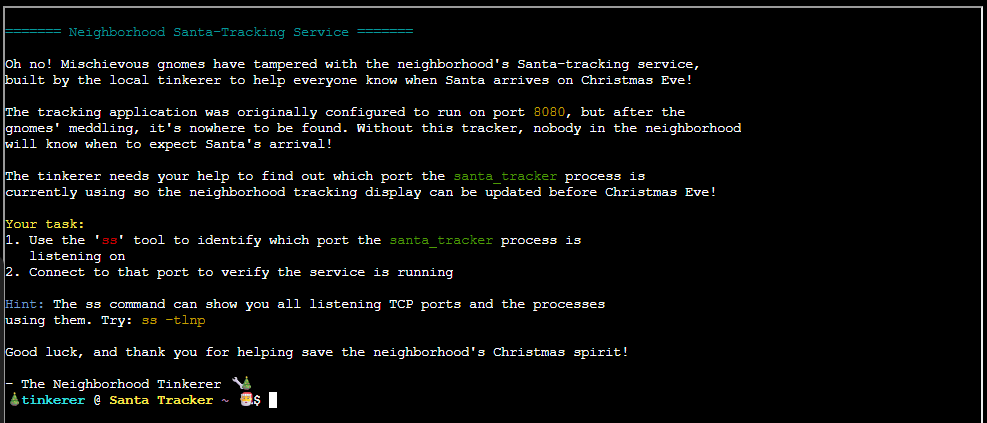
By listing the home directory I found a README.txt file:
Welcome!

Santa's gift-tracking service is missing!
You need to find what port it's running on amd connect to it to make sure it is working!

Available commands:
- ss (to check running services and ports)
- curl (to connect to services)
- telnet (an alternative way to connect)
- ls (to list files)
- cat (to view files)
- grep (to search text)
- clear (to clear the screen)

Good luck!
Finding listening port
The tracking application was originally configured to run on port 8080, but doesnt answer. Our objective now is to trace down which port it now listens to.
ss -tlnp
The listeneing port in question is 12321, connecting to it:
curl http://localhost:12321As the original port was a well known web-port, I went on connecting to it using Curl:
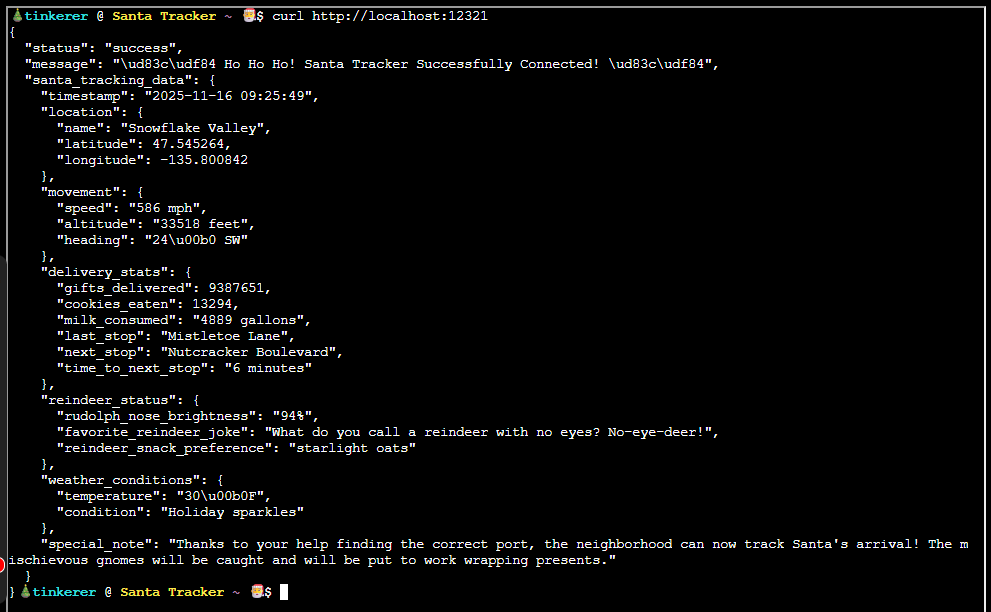
The entire output is included below:
{
  "status": "success",
  "message": "\ud83c\udf84 Ho Ho Ho! Santa Tracker Successfully Connected! \ud83c\udf84",
  "santa_tracking_data": {
    "timestamp": "2025-11-16 09:24:43",
    "location": {
      "name": "Evergreen Estates",
      "latitude": 39.235029,
      "longitude": -101.829101
    },
    "movement": {
      "speed": "847 mph",
      "altitude": "11938 feet",
      "heading": "340\u00b0 SW"
    },
    "delivery_stats": {
      "gifts_delivered": 5859155,
      "cookies_eaten": 35606,
      "milk_consumed": "2179 gallons",
      "last_stop": "Reindeer Ridge",
      "next_stop": "Yuletide Gardens",
      "time_to_next_stop": "5 minutes"
    },
    "reindeer_status": {
      "rudolph_nose_brightness": "90%",
      "favorite_reindeer_joke": "What's Rudolph's favorite currency? Sleigh bells!",
      "reindeer_snack_preference": "starlight oats"
    },
    "weather_conditions": {
      "temperature": "-8\u00b0F",
      "condition": "Candy cane precipitation"
    },
    "special_note": "Thanks to your help finding the correct port, the neighborhood can now track Santa's arrival! The mischievous gnomes will be caught and will be put to work wrapping presents."
  }
}
Yori Kvitchko closing words
After solving, Yori says:
Great work - thank you!
Geez, maybe you can be my intern now!